Video tools for Hermes Agent
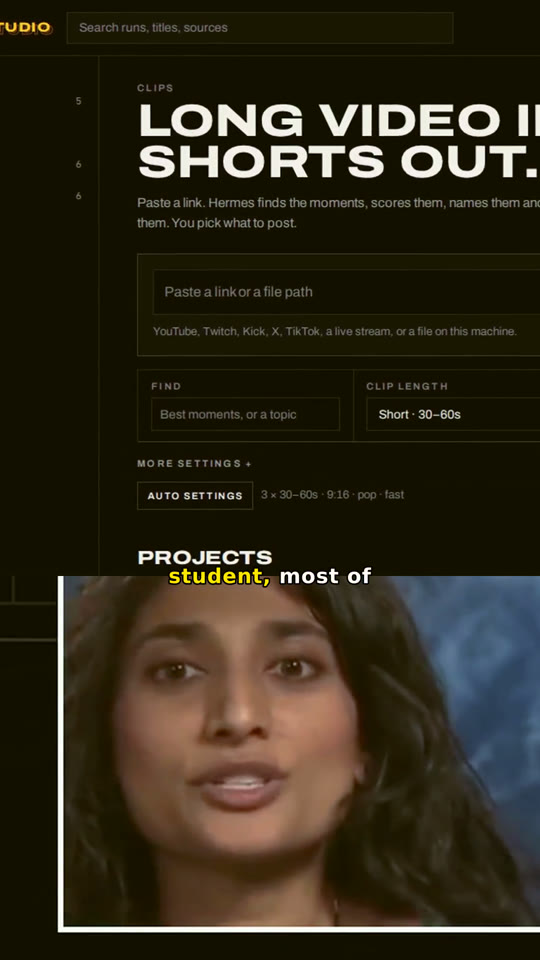
Hermes Studio turns long video into shorts, captions, reframes and transcripts with local Whisper and FFmpeg. Your agent runs it. Your files stay home. Nothing posts until you do.
Plays on its own · tap once for sound
A file or a link. Studio probes it first: length, shape, live or not.
Local Whisper writes every word with its timing. Nothing leaves your machine.
Hermes reads the take and scores windows for hook, flow and value.
It finds the speaker and locks a vertical crop on the face.
Word-by-word captions. The spoken word lights up as it lands.
Long pauses and filler come out of the timeline.
A named short, caption files and the transcript. You post it.
Pick one job, not a wall of settings. Each tool opens with the right defaults and only the options that matter for it.
Hermes looks at each clip before it cuts. A speaker gets cropped to the face. A stream with a facecam gets split, face on top or bottom, so nobody loses their head.
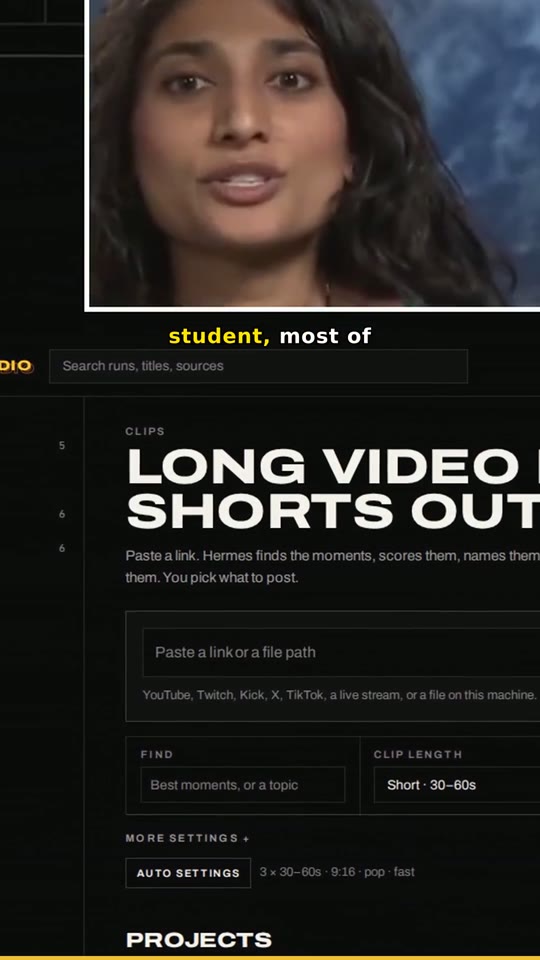
Source · 16:9Face found, crop locked on it for the whole clip. Word-by-word captions sit clear of the app buttons. Audio cleaned and levelled. That video is Studio's own render, untouched.
Source · facecam in corner
Split · face top
Face bottom · warmSmall face in a corner means a facecam. Studio stacks it over the game or screen, both locked, no drifting tracker. Flip it to the bottom or set the band size in one click.
Opus-style layouts. Face on top or bottom, band from 20 to 60%.
Punch, warm, cool, cinematic, vintage, black and white, bright.
Word-by-word highlight, your keywords in colour, fix any misheard word.
Move in and out, change the look, re-render. The old take waits in Dropped.
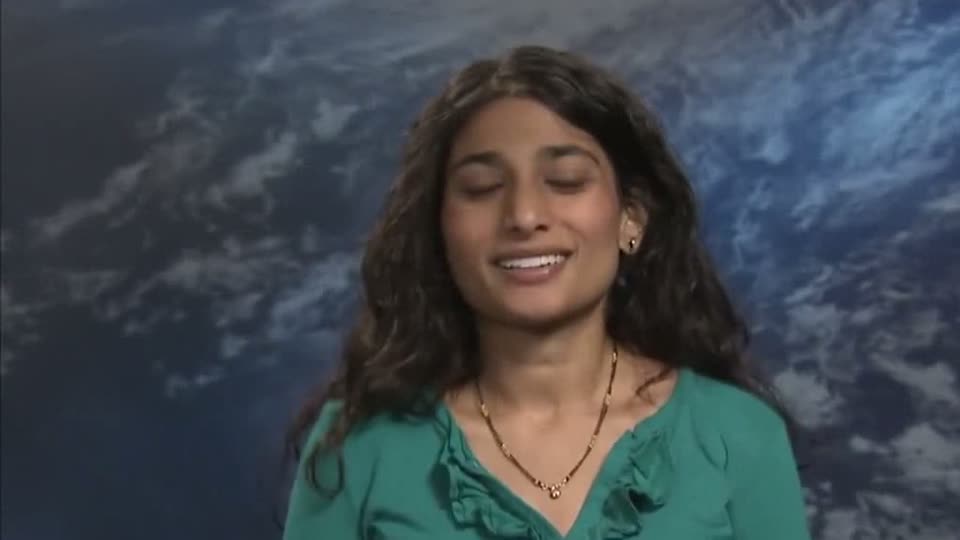
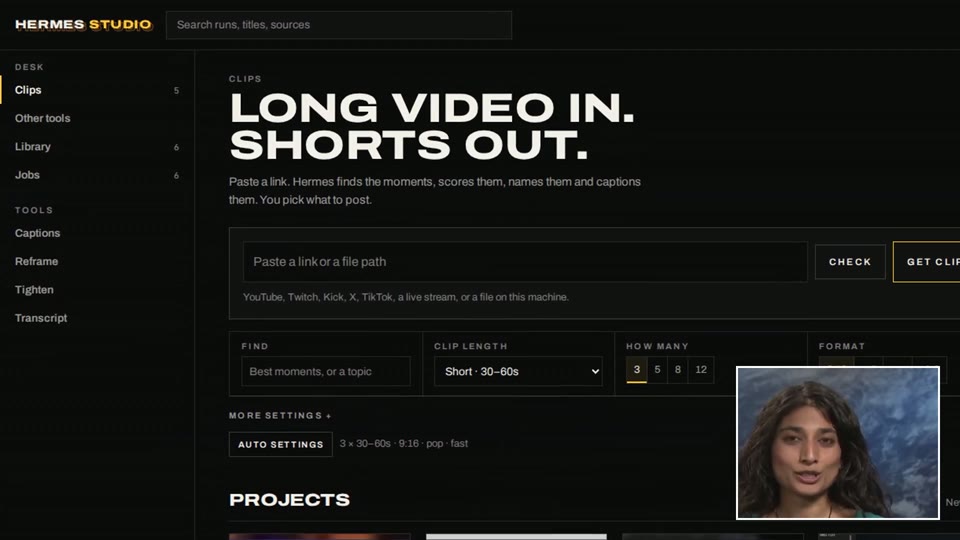
Example footage: “Mamta Patel Nagaraja” (NASA MissionSTEM, 2012), public domain via Wikimedia Commons. The demo uses 3:32–4:32, cropped so the NASA insignia is out of frame. The stream example lays that clip over a Hermes Studio screen recording. Courtesy NASA; no endorsement by NASA or Ms. Patel Nagaraja is implied.
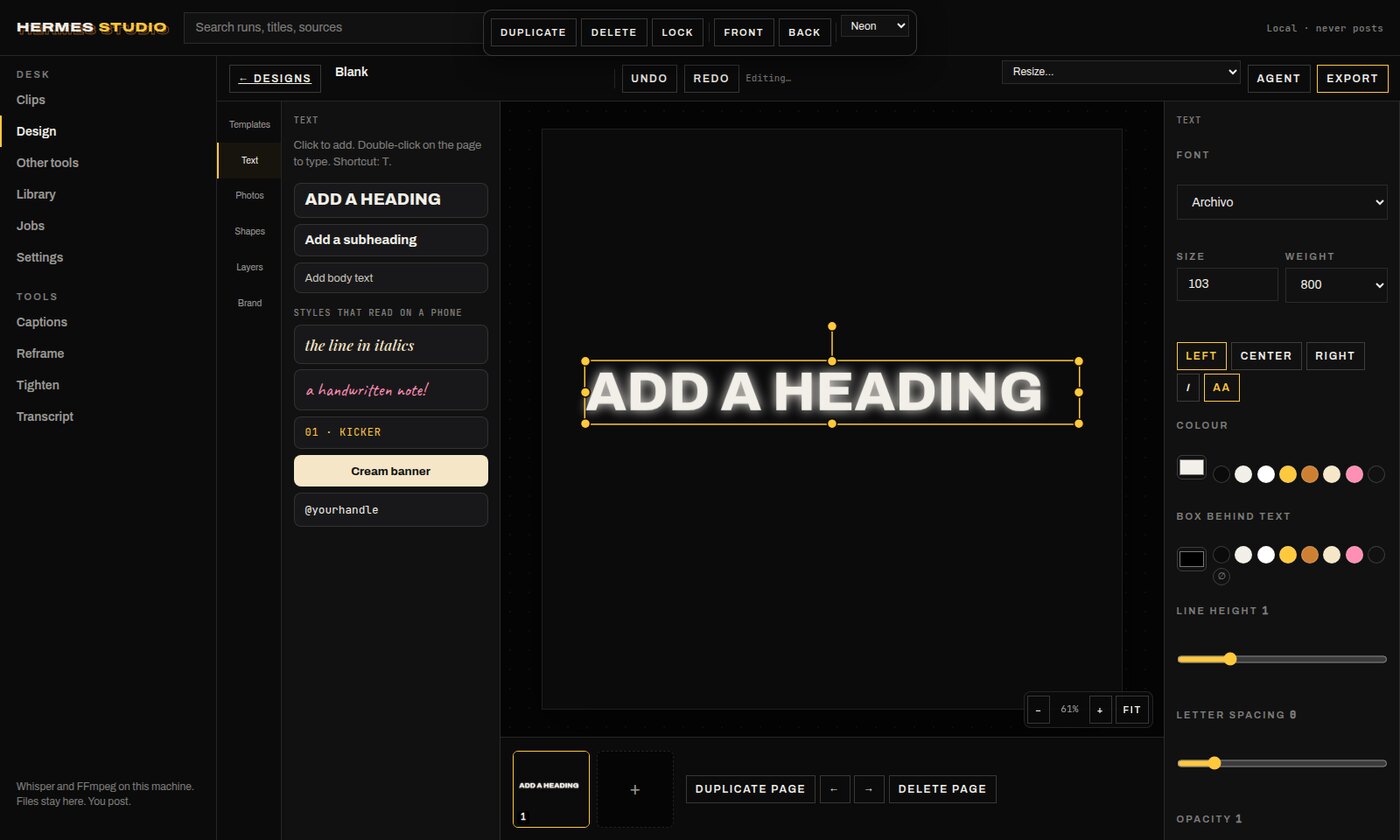
Carousels, story covers, YouTube thumbnails and posts, in an editor that works like Canva. Drag, type, layer, remove a background. Then ask Hermes to build the next one: it edits the same file you see.
Text effects (shadow, lift, hollow, outline, splice, echo, glitch, neon), drop shadows, a layers panel, align and distribute, lock, group and crop. Five bundled fonts. Background removal and six photo looks, all on your machine.
Carousel 4:5, story 9:16, square, YouTube thumbnail, X and LinkedIn.
Pick one and it renders on the canvas as you choose it. The export matches.
Remove the background, enhance, or apply a look. Nothing is uploaded.
Hermes starts, edits, resizes and renders designs through its own tools.
Open the desk on localhost, or tell your agent. Same tools either way.
A file, YouTube, Twitch, Kick, X or a live stream. Studio checks it first.
Or let Hermes read the video and pick the tool, length and format for you.
Change the layout, filter or in and out of any clip and re-render. Social copy on request. You post.
What Hermes can do with a clip
What stays on your machine
One line. The app, the engine and FFmpeg come with it. No admin rights, no Python, nothing else to set up. Run it again to update.
Linux
curl -fsSL https://raw.githubusercontent.com/PabloTheThinker/hermes-studio/main/scripts/install.sh | bash
Windows (PowerShell)
irm https://raw.githubusercontent.com/PabloTheThinker/hermes-studio/main/scripts/install.ps1 | iex
Then, from any terminal
# open the app hermes-studio app # make shorts hermes-studio run talk.mp4 # use it from your AI app hermes-studio mcp install claude